Using Scaniverse to Preserve Heritage
📲 Getting Started
- App: Download Scaniverse from the iOS App Store (iPhone 12 Pro or newer recommended for LiDAR support).
- Goal: Create detailed 3D scans of historical landmarks, ruins, pottery, architecture, and cultural
artifacts for a global digital heritage archive.
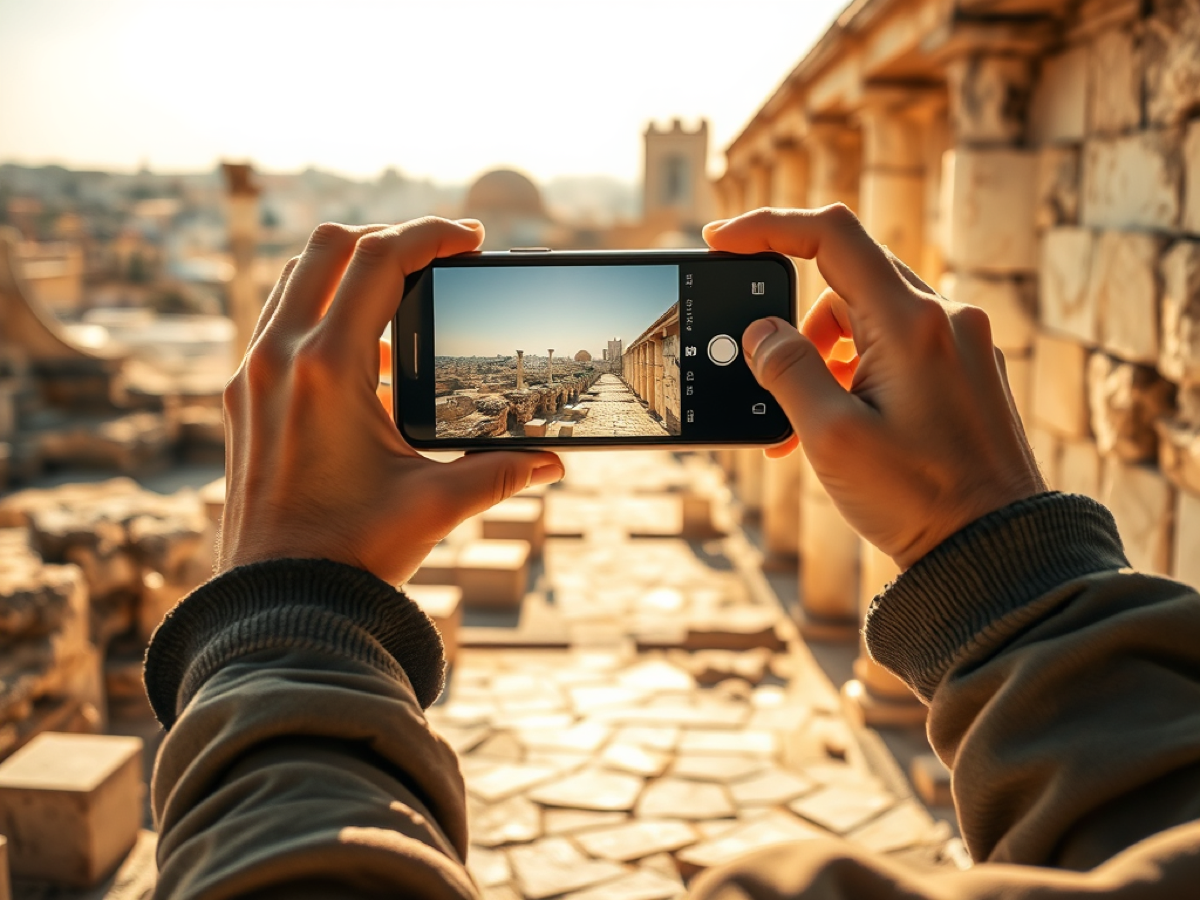
🧭 Choosing What to Scan
Not sure where to start? Look for objects, places, and details that carry cultural, historical, artistic,
or community meaning.
Good things to scan include:
- Architecture and ruins, doors, arches, columns, facades, walls, courtyards, tombs, monuments, and historic homes
- Objects and artifacts, pottery, tools, carvings, statues, tiles, jewelry, textiles, inscriptions, and household items
- Small details, patterns, textures, symbols, damage, repairs, maker’s marks, or decorative elements
- Everyday heritage, bakeries, workshops, markets, gathering places, family heirlooms, gardens, and community spaces
- At-risk heritage, places or objects threatened by weather, neglect, development, conflict, theft, or loss of memory
Before scanning, ask:
- What story does this object or place tell?
- Who uses it, remembers it, or cares about it?
- Is it connected to a tradition, craft, family, neighborhood, or historic event?
- Is it changing, disappearing, or at risk?
Please do not scan sacred, private, restricted, or sensitive objects without permission. When in
doubt, ask a local caretaker, community member, owner, or cultural authority first.
🕯️ Scanning Intangible Heritage
Some heritage is not just a building or object. It lives in stories, songs, rituals, recipes, crafts,
dances, languages, memories, and everyday practices. This is called intangible heritage.
You cannot always 3D scan intangible heritage directly, but you can document the objects, spaces, and
people connected to it. Examples:
- A traditional bread recipe → scan the oven, tools, table, or bakery space
- A weaving practice → scan the loom, textile patterns, tools, or finished pieces
- A family story → scan the home, courtyard, photograph, object, or place connected to the memory
- A festival or ritual → scan decorations, costumes, instruments, gathering spaces, or symbolic objects
- A disappearing craft → scan the tools, workshop, materials, and finished work
When documenting intangible heritage, include context with your upload: what the tradition is called, who
practices it, where it happens, how you learned about it, why it matters, and any story, memory, or quote
that should go with the scan.
Always get permission before recording people, private spaces, ceremonies, sacred practices, or
personal stories. Tanit XR is not just preserving objects, we are preserving the worlds, memories, and
meanings around them.
🧱 Step-by-Step Scanning Instructions
1. Open Scaniverse
- Tap the “+” button to start a new scan.
- Choose “Mesh” (not “Splat”), this is what we need for Tanit XR.
- Select the size of your object: Small Object (pottery, carvings, statues), Medium Object
(doors, columns, mosaics), or Large Area (facades, walls, monuments).
2. Begin the Scan
- Move slowly around the object while recording a video.
- Get multiple angles: walk around, crouch down, raise your phone, etc.
- Avoid fast movements and make sure to capture all sides.
- In bright sun, try to scan in partial shade or overcast light.
3. Save Without Processing (Important!)
- If you’re outside and don’t have strong Wi-Fi or data, tap “Save to process later.”
- Processing uses a lot of data, it’s best to wait until you’re home with Wi-Fi.
🗂️ Processing and Exporting
4. Back at Home: Process Your Scan
- Open the Scaniverse Library (bottom menu).
- Tap your saved scan, tap the name, and give it a clear title (e.g., “Ksar Ouled Soltane – Main Door”).
- Tap “Process” and wait for the app to complete the 3D model.
5. Export the Model
- Once processed, tap “Share” > “Export Model.”
- Select FBX format and keep textures enabled.
- Name it “Scan Title_Location”.
6. Share Your Model
Email your exported file (or a link to it) along with a short description of the model, any historical
info you know, and your name to info@tanitxr.org.
For large files, share a Google Drive, Dropbox, or WeTransfer link.
✅ Tips for Great Scans
- Scan slowly and steadily
- Avoid people or shadows in your scan
- Focus on texture and angles, walk around the object fully
- Natural daylight is good, but harsh sun causes glare, avoid scanning at noon